acme-store.com demo

  • Visitors now18
  • Visitors today67518%
  • Bounce rate41%3.2%
  • Visit duration2m 14s6.0%
  • Top sourcegoogle.com
  • Signups2312%
  • Rage clicks450%
  • Exit rate /signup22%4.1%
  • Uptime, 30 days99.98%
  • Response186 ms

Privacy-first web analytics: see who visits, what they click, and why.

Website analytics for founders and small teams: live visitors, heatmaps on your real pages, each visitor’s journey, goals, and uptime alerts, in one dashboard you can read without training.

See the dashboard

The same button signs you up or signs you in. Prefer email? Sign up with email or sign in.

  • Free to start, no credit card
  • Set up in about 2 minutes
  • IP addresses never stored

Visitors per day

acme-store.com · last 30 days · demo data

33,400visits52%vs the 30 days before

18 online nowFrance opened /pricing, via google.com

1,2002,4003,60029d ago22d ago15d ago8d agoToday

Use the left and right arrow keys to read each day.

What moved it

2,805 visitors 9 days ago, 2.8 times a usual day (about 1,000).

  1. producthunt.comReferral2,104
  2. DirectDirect418
  3. x.comSocial286
  4. google.comSearch251
  5. news.ycombinator.comSocial94

See it live, before you sign up.

A simulation with sample data: visitors arriving, clicks building a heatmap, uptime checks running. Open the full demo

Livedemo-shop.comSample data
Visitors now41
Pageviews / min11
Goals today46
Last 30 minutes

Visitor log

  1. /pricingGoogle · Tablet · Spain
  2. /shop/linen-shirtReddit · Desktop · United States
  3. /blog/summer-guideLinkedIn · Mobile · Canada
  4. /checkoutNewsletter · Mobile · Germany
  5. /blog/summer-guideDirect · Desktop · Brazil
  6. /shop/linen-shirtDirect · Desktop · Canada
  7. /Google · Desktop · Germany

Heatmap · /

135 clicks on desktop, anchored to the elements clicked

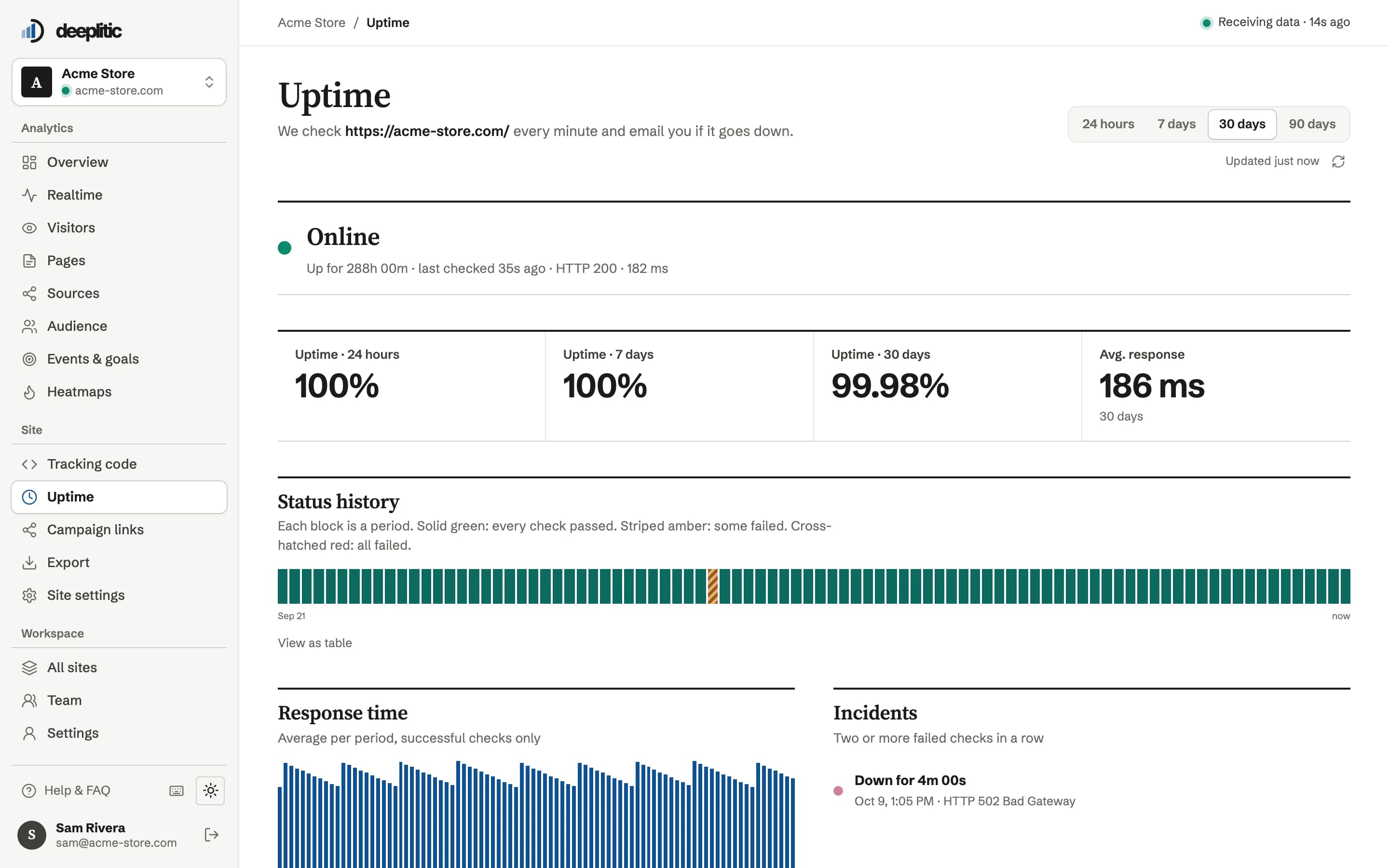
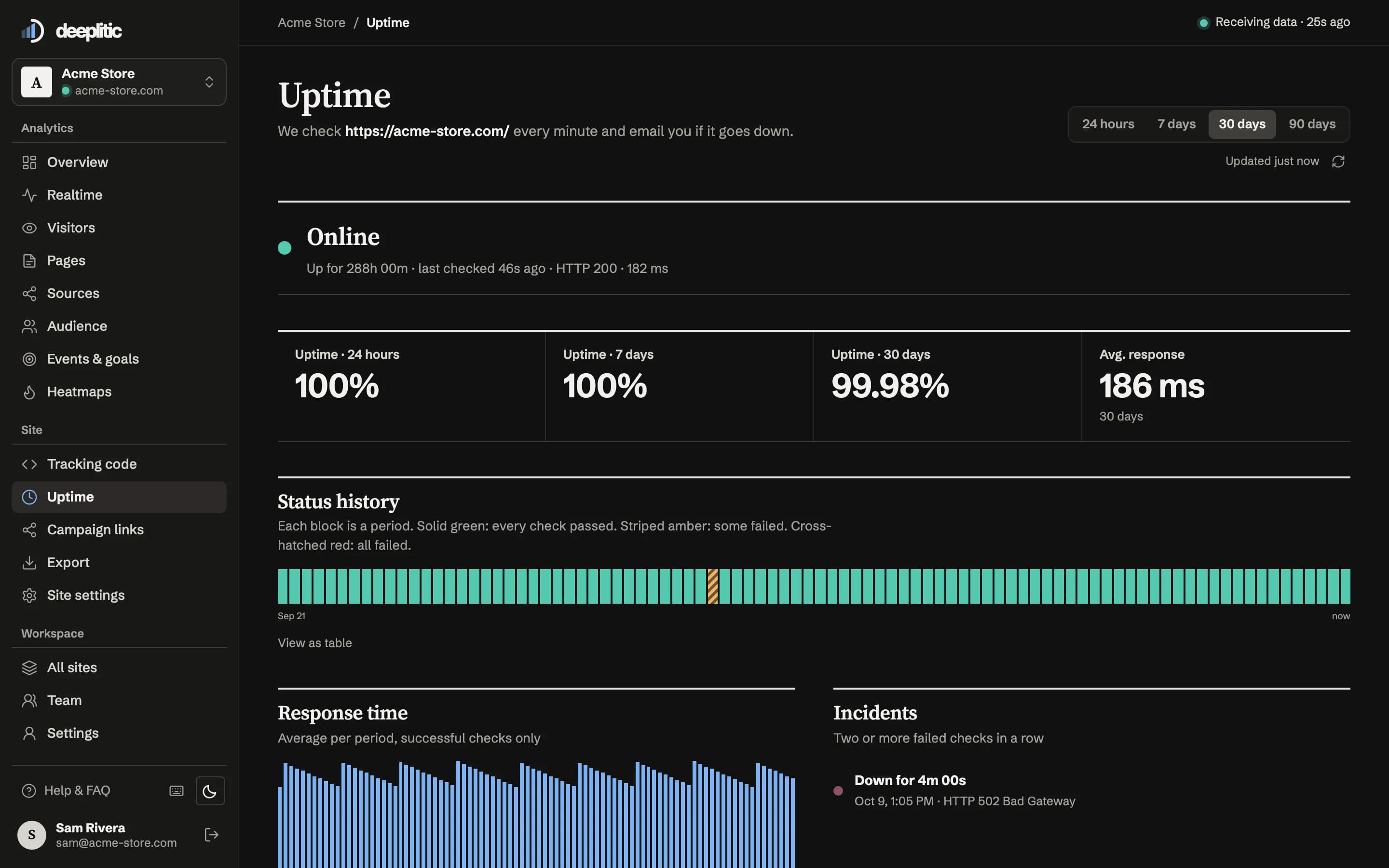
Uptime

99.93% · 30 days · 212 ms avg

One 3-minute outage on day 41: owners got an email when it went down and when it recovered.

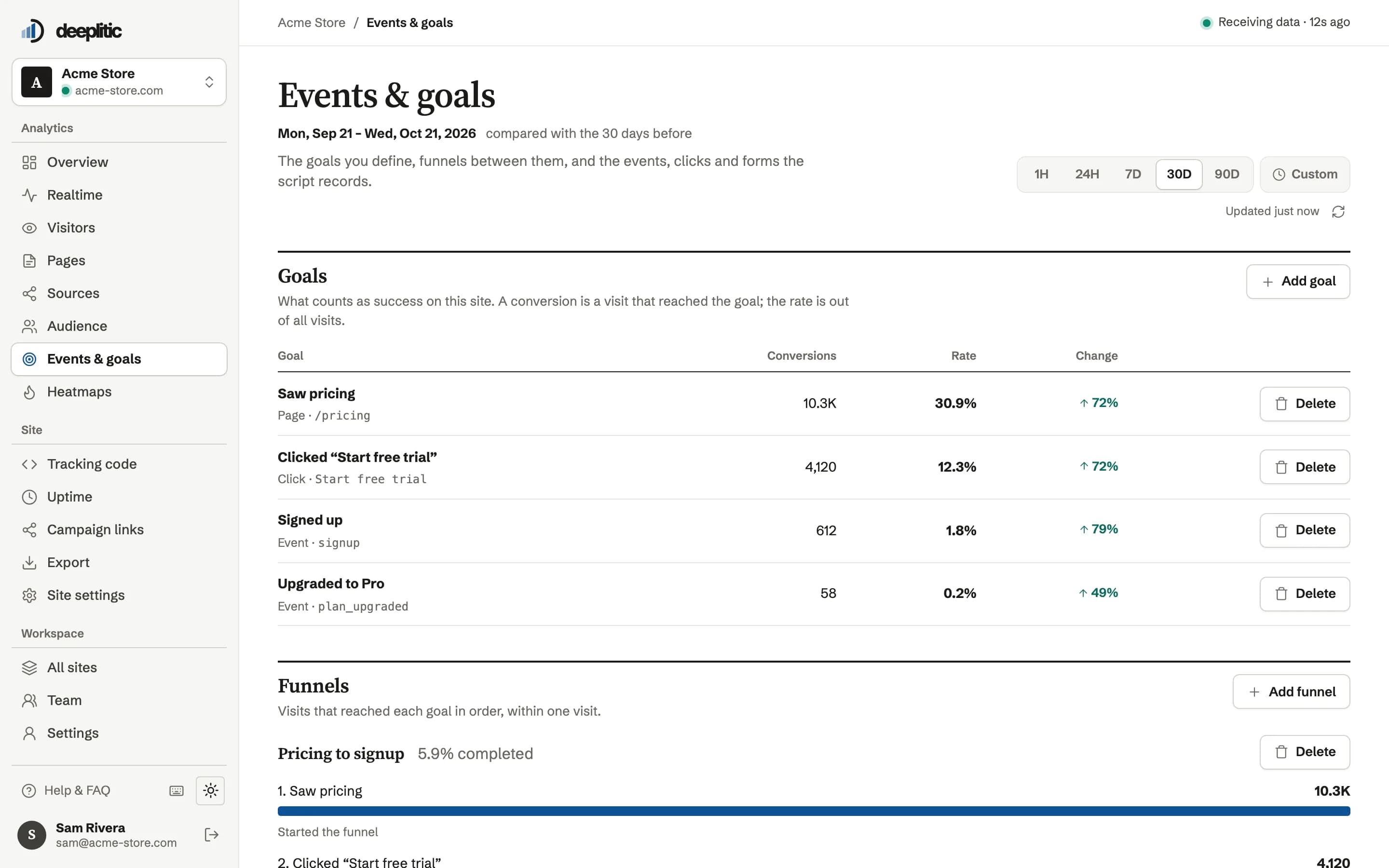
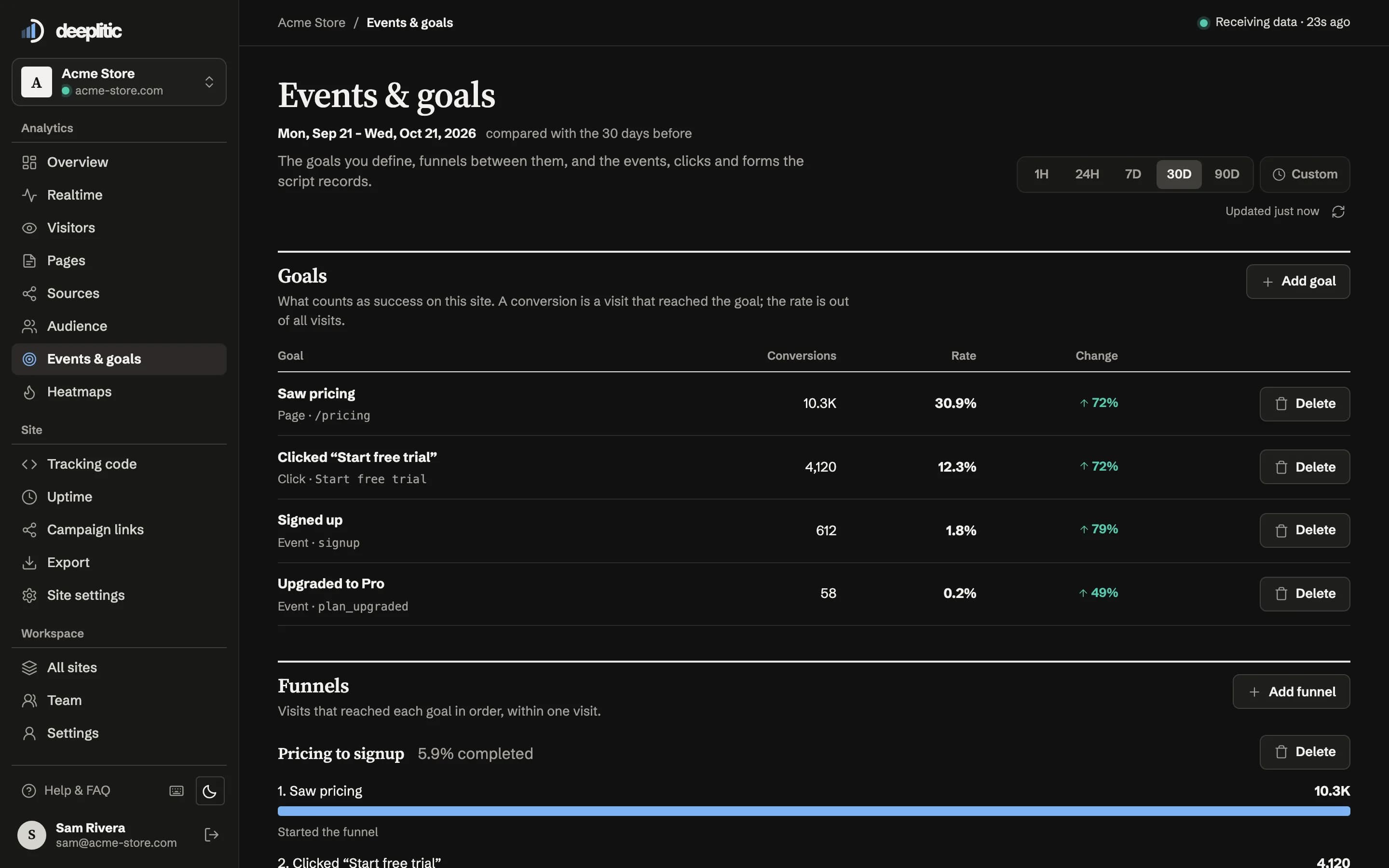
The web analytics dashboard, screen by screen.

Captured from the product with demo data for a small online shop. Pick a screen, or let it play through.

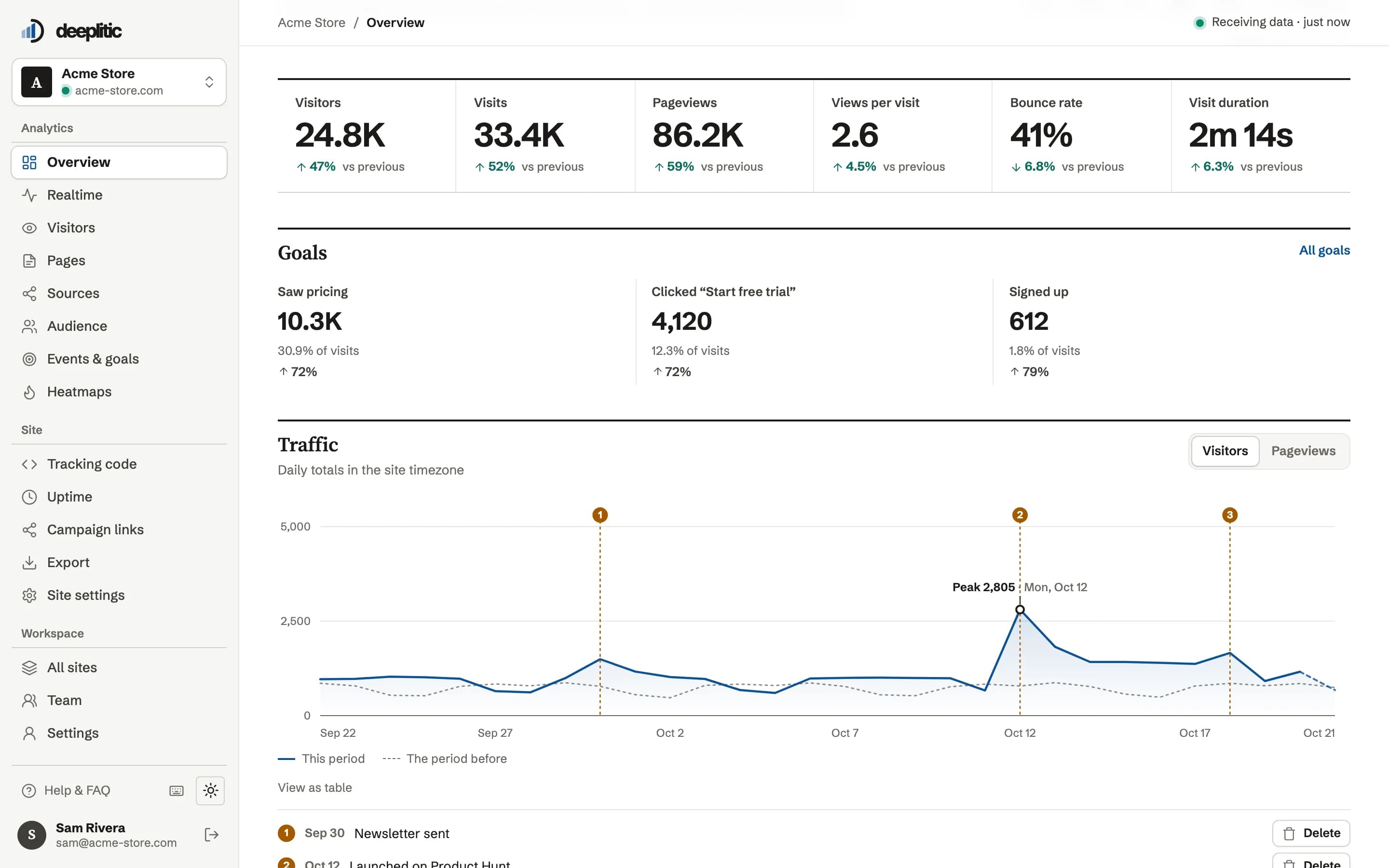
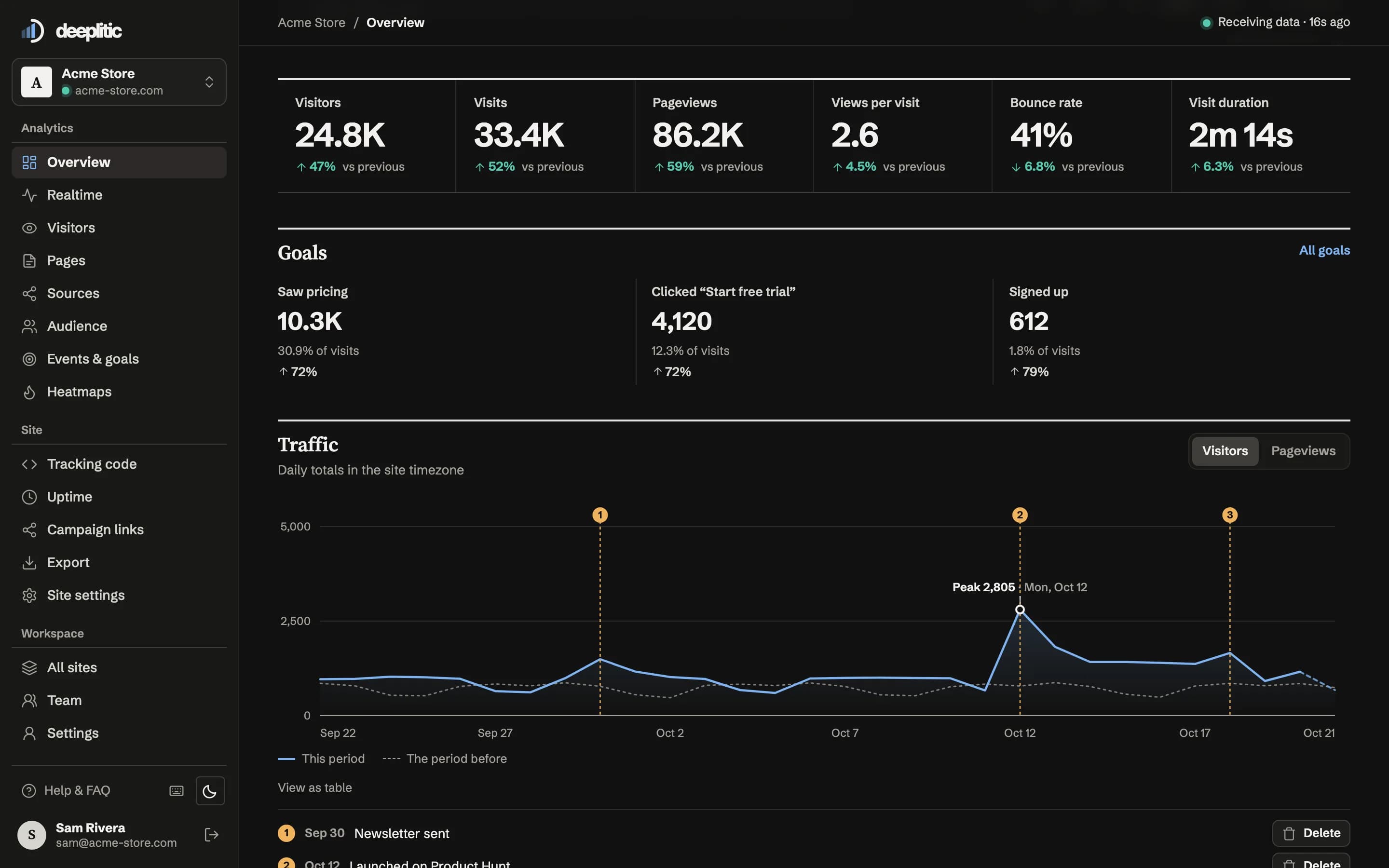
Thirty days against the thirty before, goals at a glance, and your notes on the traffic chart.

The Overview page for acme-store.com: 24.8K visitors in 30 days, up 47%, three goals, and the daily traffic chart with notes for a newsletter, a Product Hunt launch, and a Reddit post.The Overview page for acme-store.com: 24.8K visitors in 30 days, up 47%, three goals, and the daily traffic chart with notes for a newsletter, a Product Hunt launch, and a Reddit post.

Heatmaps, live visitors, visit journeys and uptime.

Traffic reports tell you how many. These show you what visitors did, and whether your site was there for them.

See where people click, on your real pages.

Open any page with clicks and scroll depth drawn over the live site. Each click stays attached to the element that was clicked, so the map stays right after a redesign and on every screen size.

  • Click and scroll maps for desktop, tablet, and mobile
  • Rage clicks and dead clicks flagged
  • A heatmap of any single visit

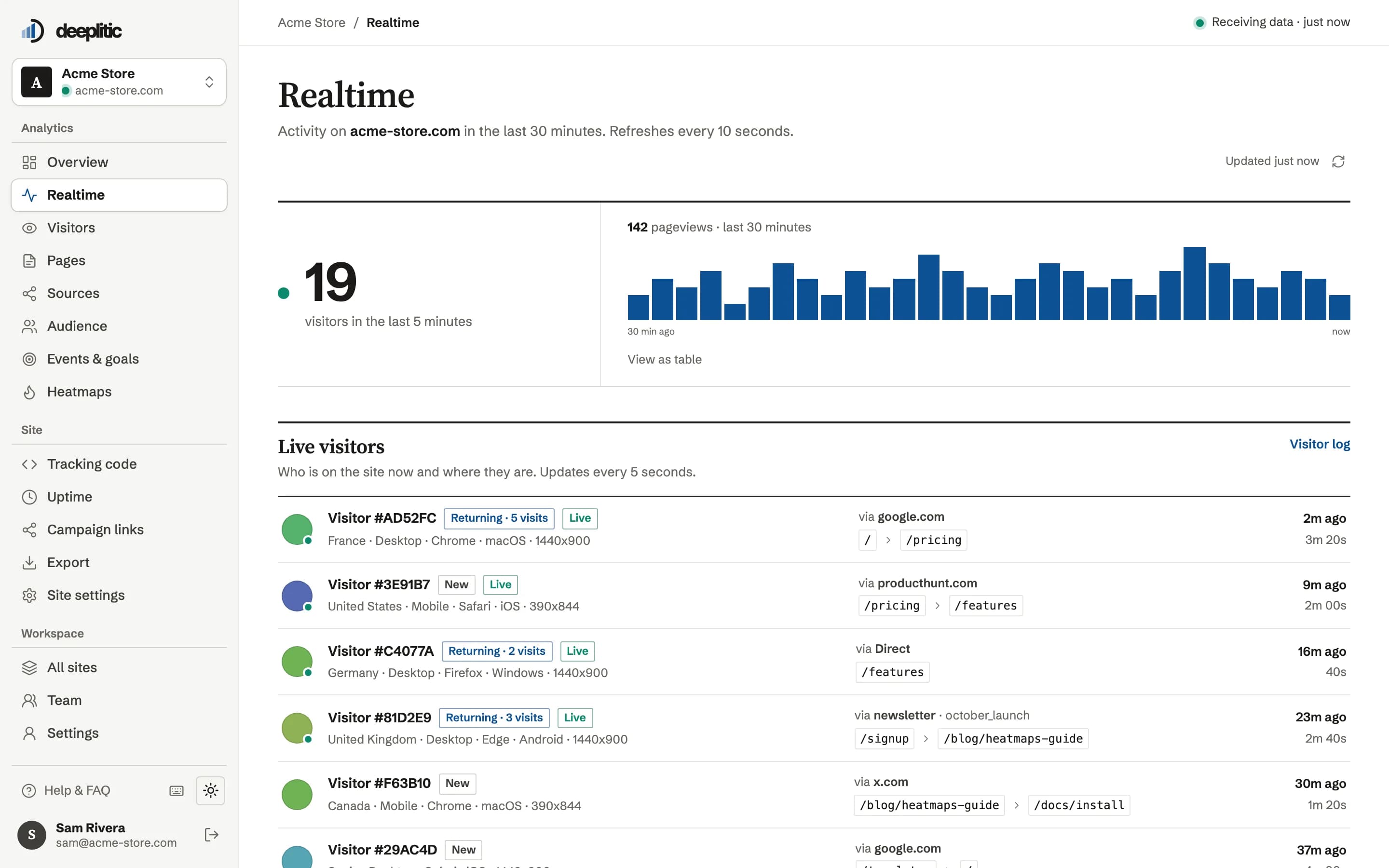
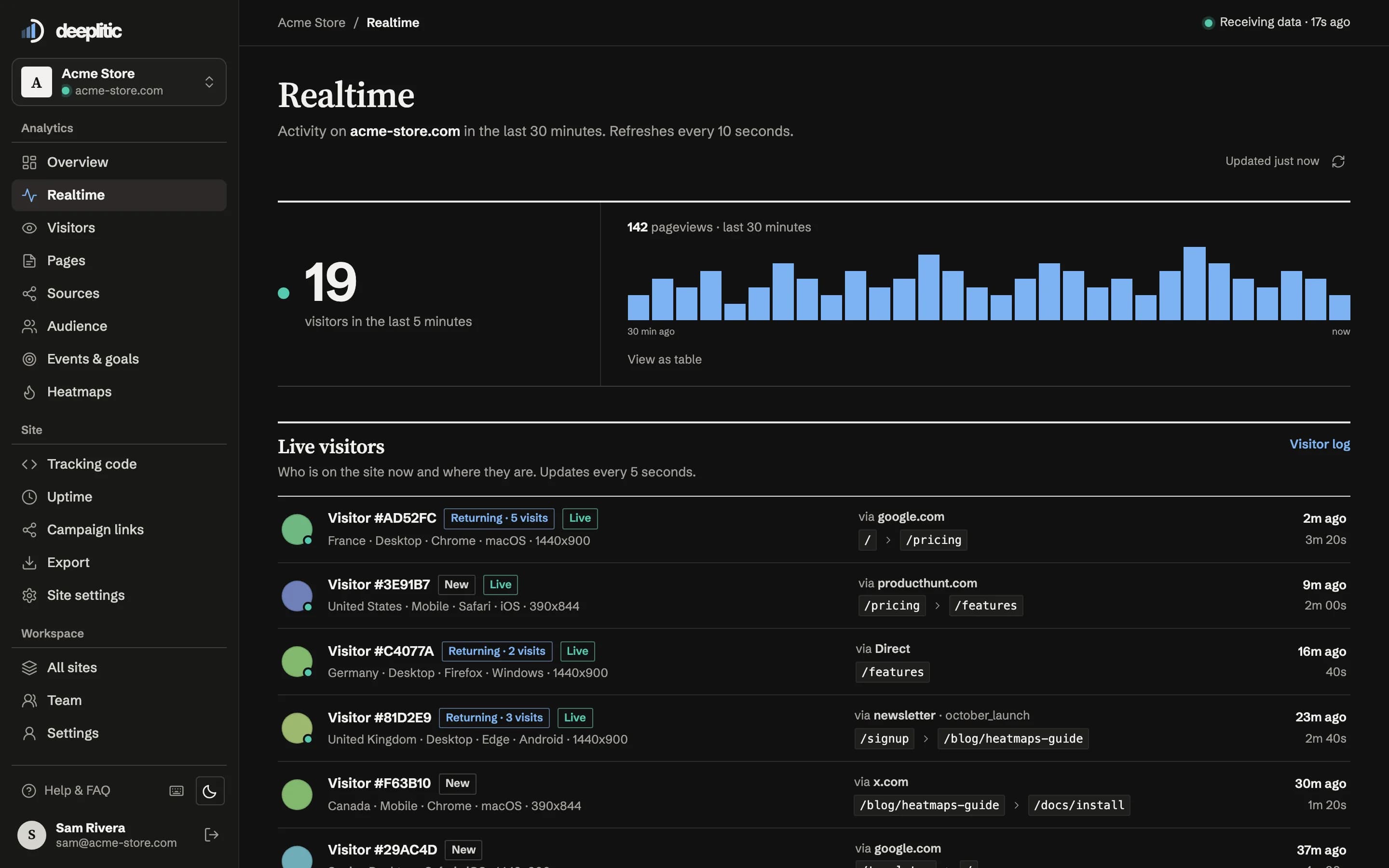
Watch visitors arrive as it happens.

New visits appear about half a second after they happen: where each visitor came from, the page they are on, and what they do next.

  • Live visitors and the last 30 minutes of activity
  • Sources, campaigns, countries, and devices
  • Returning visitors recognised on your own domain

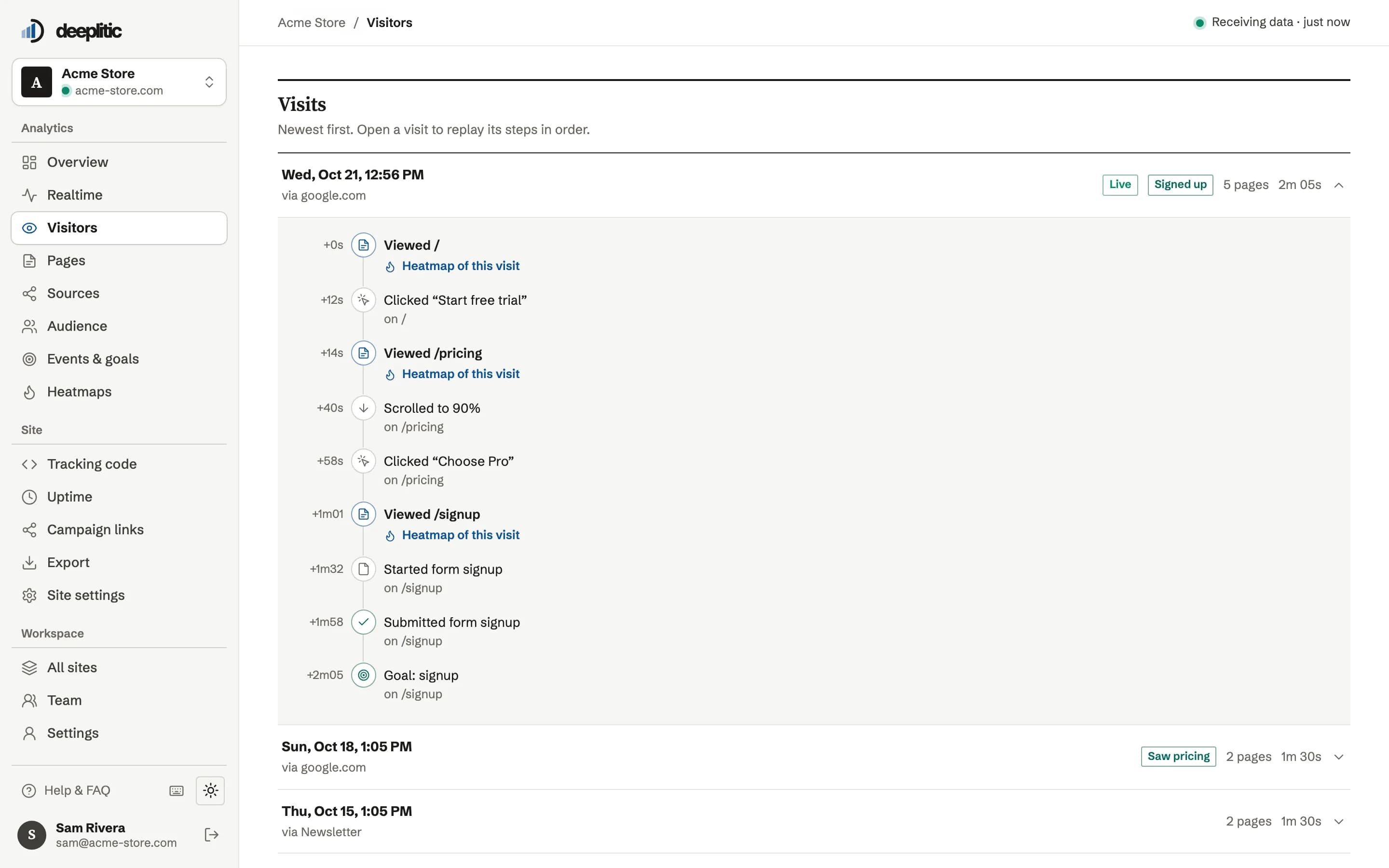
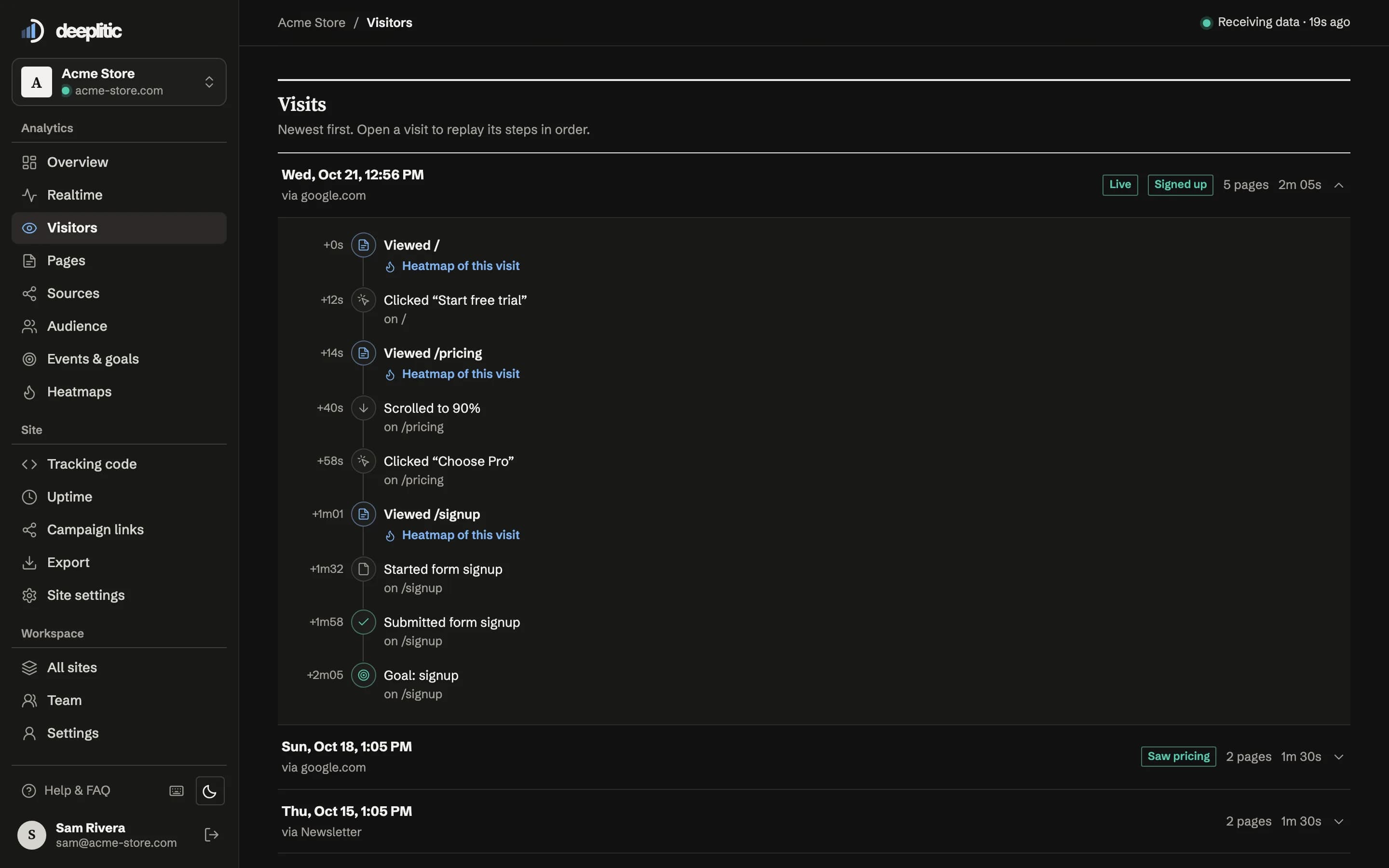
Follow every visit, step by step.

Every visitor gets a timeline of pages, clicks, forms, and goals, in the order they happened, across return visits. A random ID stands in for the person, never a name or an IP address.

  • Goals and form completion
  • The source and campaign of each visit
  • Erase any visitor on request

Know the moment your site goes down.

Deeplitic checks your site every minute and emails owners and admins when it goes down and again when it recovers, so outages never hide behind a quiet traffic chart.

  • Uptime for 24 hours, 7, 30, and 90 days
  • Response times and incident history
  • Alerts after two failed checks in a row, not one blip

Everything else your website analytics needs.

The everyday reports and tools around those four views.

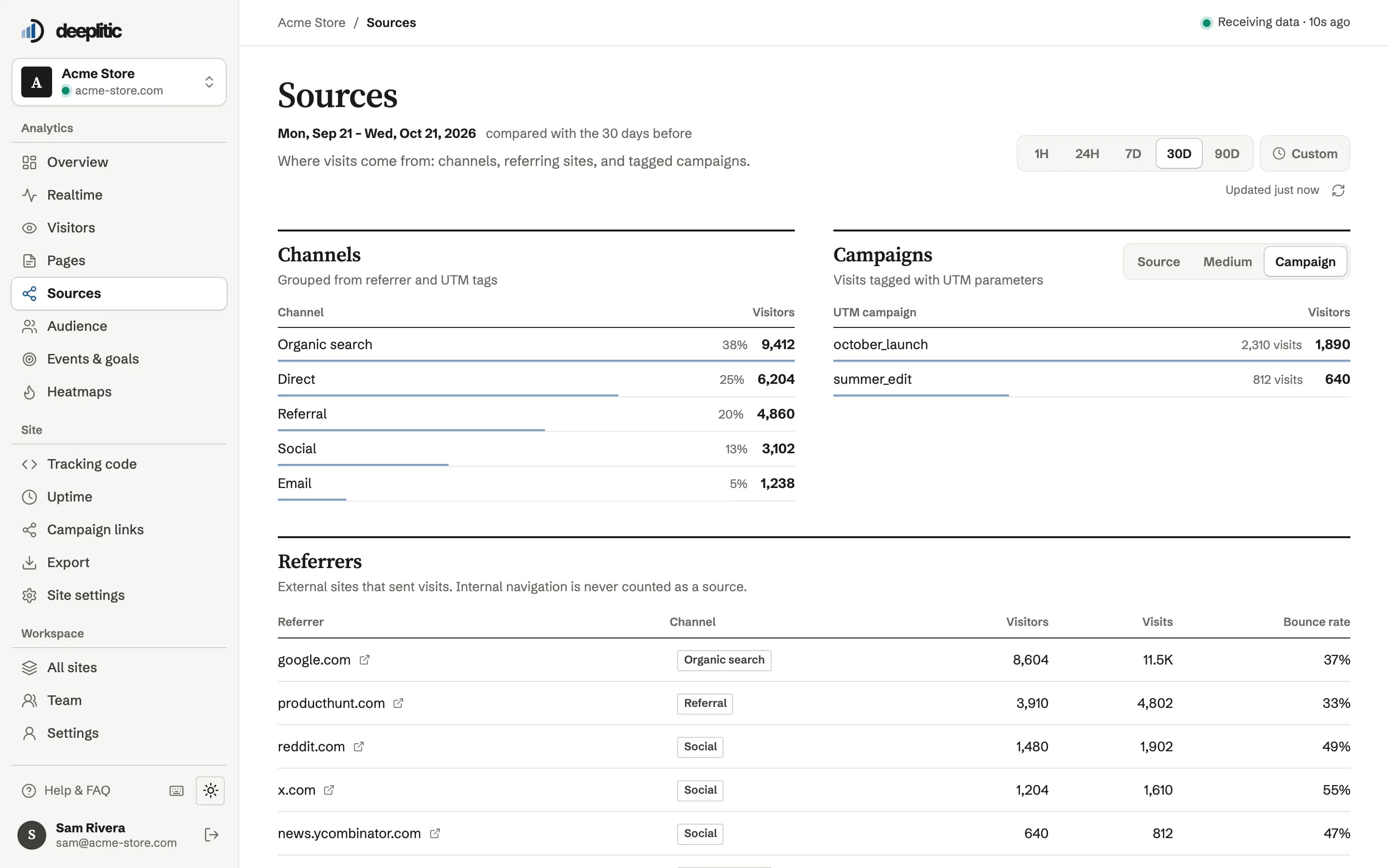
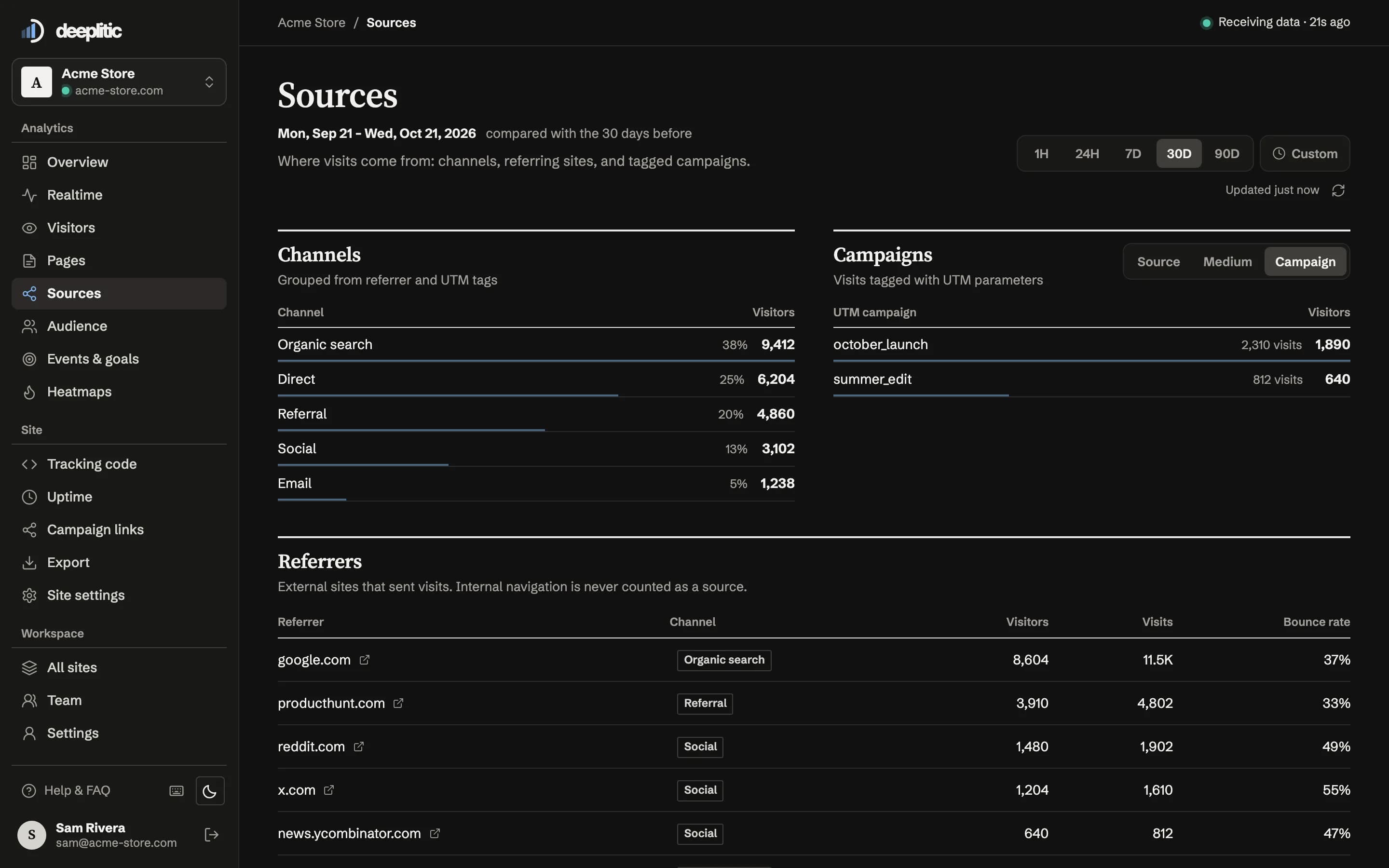
  • Sources and campaigns

    Search, social, referrals, and UTM-tagged links, grouped into channels.

  • Campaign links and QR codes

    Build tagged links and print-ready QR codes in the dashboard.

  • Goals and forms

    Track signups and purchases with one line, plus form starts and abandons.

  • Bot and spam filtering

    Known bots and referrer spam are dropped; add your own rules.

  • Teams and roles

    Invite owners, admins, members, and read-only viewers.

  • Exports and API

    Download any report as CSV or JSON, or read it from the API.

Privacy-friendly analytics, built in, not a setting.

Deeplitic measures your site, not people. What it collects, and what it never does, is fixed in the product.

Read the privacy policy
IP addresses
Never stored. Country is read at the network edge.
Cookies
First-party only, on your domain. Or none at all in cookieless mode.
Cross-site tracking
None. A visitor is never linked across sites or devices.
Consent
Wait for consent before setting cookies, with one attribute.
Your visitors’ rights
Erase everything about a visitor from their profile.

Install website analytics in about two minutes.

  1. Sign up and add your site. Continue with Google, then type your site’s address.
  2. Paste one line. The dashboard shows exactly where for your platform. Someone else runs your site? One button emails them the line and the steps.
  3. Open your site. Your first visit appears in Realtime within seconds, and the dashboard confirms it.

Where to pasteThe free WPCode plugin → Header & Footer → Footer

WPCode → FooterOne line, every page
<script
  src="https://deeplitic.com/deeplitic.v4.js"
  data-site="site_Vb7nK2qXe9Lm"
  data-endpoint="https://api.deeplitic.com/v1/collect"
  data-api="https://deeplitic.com"
  defer></script>
Your own site ID replaces site_Vb7nK2qXe9Lm. About 12 KB compressed and loaded with defer, so it never blocks your page.
  • In WordPress, go to Plugins → Add New, search for “WPCode”, then install and activate it.
  • Go to Code Snippets → Header & Footer, paste the code in the Footer box, and click Save Changes.
WordPress guide (opens in a new tab)

Connected. Pageviews from acme-store.com are arriving.

Web analytics questions, answered.

Anything else? Read the full FAQ, or see how Deeplitic compares with Google Analytics and others.

Do I need a developer to install Deeplitic?

No. You paste one line into your site’s settings, and the dashboard shows exactly where for WordPress, Shopify, Webflow, Next.js, Google Tag Manager, or plain HTML. If someone else runs your site, one button writes them an email with the line and the steps.

How long does setup take?

About two minutes. Add your site’s address, paste one line where the dashboard shows you, and open your site. The first visit appears in Realtime within seconds, and the dashboard tells you when it has arrived.

Can Deeplitic replace my existing analytics?

For most small sites, yes. Visitors, pages, sources, campaigns, goals, and funnels are all there, plus heatmaps, visitor journeys, and uptime checks that most analytics tools do not have. Many people run it next to Google Analytics for a few weeks first and compare.

Does it need an analytics consent banner?

In the EU and UK, the default cookie-based mode generally needs analytics consent. Load the script with data-consent="required" and call deeplitic.consent(true) after the visitor accepts, or use data-cookieless for a mode that sets no cookies. Requirements depend on your jurisdiction and legal assessment.

Does Deeplitic slow down my website?

No. The script is about 12 KB compressed and loads with defer, so it never blocks your page, and it sends small requests in the background.

Does Deeplitic store IP addresses?

No. A visitor’s IP address is used only in the moment, to apply your blocked-IP filter and to stop floods of requests, and is never saved with your analytics. The country comes from the hosting network (for example Cloudflare), not from keeping the address.

See your site clearly, starting today.

One click with Google creates your account, then add your site and watch your first visit arrive.

Free to start, no credit card. Prefer email? Sign up with email or sign in.